Full restoration after a device failure
Quality control employees are delighted by full system and data restoration after device failure, leveraging Certos Cloud real-time backups.
Certos white label cloud
CertosCloud is a cloud-based device management platform: GxP and Part 11 compliant automatic backup storage, data visualisation, device configuration and remote service.
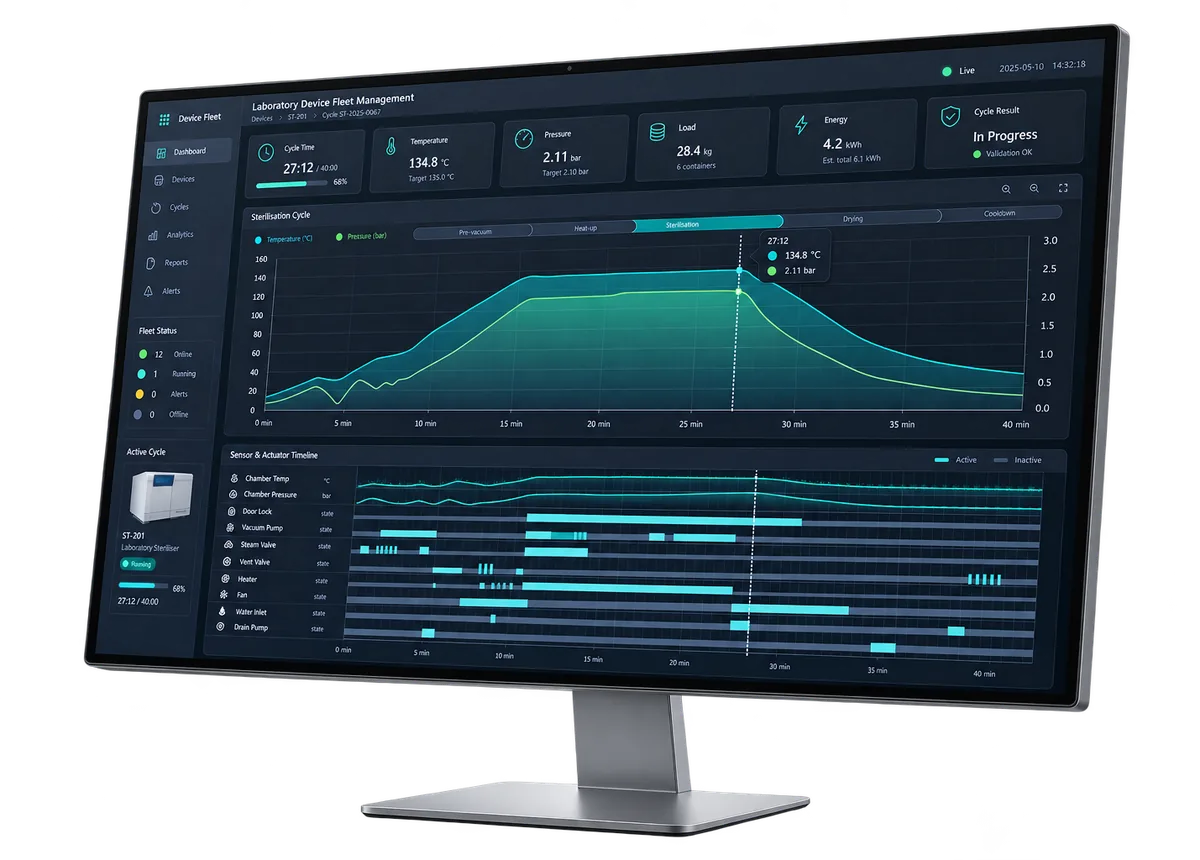
Superior cloud solution
Built around one key challenge: automatically fulfil the 21 CFR Part 11 and GMP requirements, and turn your lab equipment into a compliant solution.
The Certos framework meets the requirements of FDA Part 11, which requires the device manufacturer to implement very secure software and controls: audits, system validations, audit trails, electronic signatures and documentation for the software and systems that process the electronic data.
CertosCloud supports a rich library of React UI components for laboratory equipment demands, and we are adding more all the time. Stop reinventing the wheel — use the Certos React UI framework to increase productivity and reduce development time.
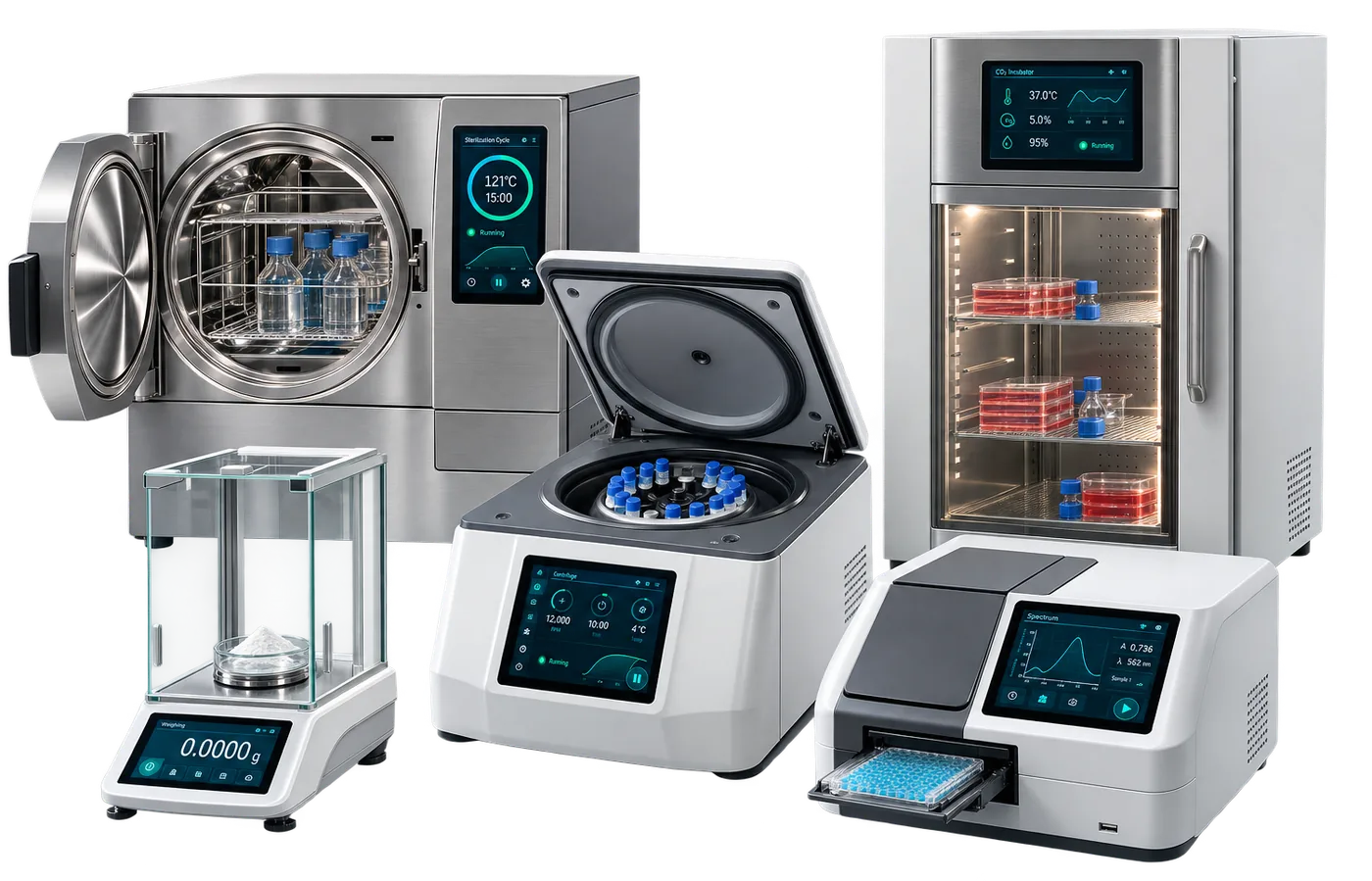
The widget library is useful for any laboratory equipment and scientific instrument, and you can add your own widgets to the platform using your in-house capabilities.
The AI part of the CertosCloud backend is written in Python, so the applications can run on different machine learning algorithms. The best-performing ones are linear regression, logistic regression, decision tree, SVM, naive Bayes, kNN, k-means and random forest.
For predictive maintenance based on sensor data from internal components of laboratory equipment, the Certos team found that the random forest algorithm shows the best performance yet.
The cloud software can be installed on a local server using Docker. Installation takes one minute, and no internet connection is required.
Alternatively the online cloud can be used with no installation at all, available on a custom domain of your choosing.
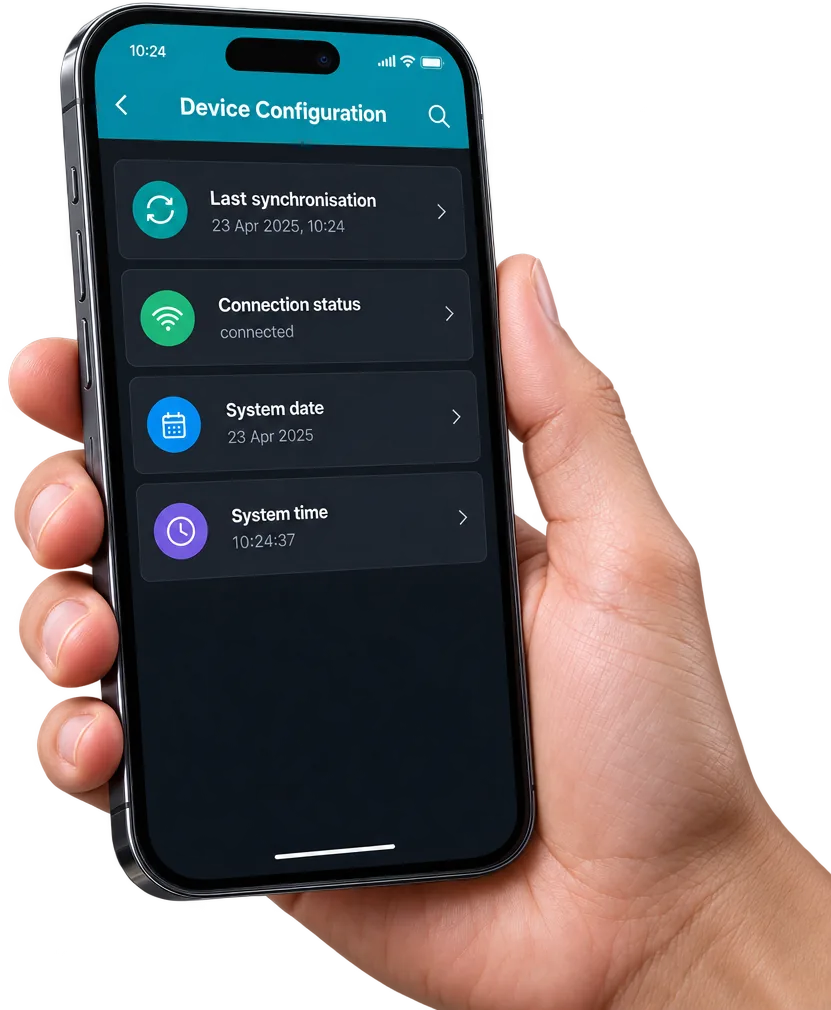
Option 1 — remote control by humans. The framework supports TeamViewer QuickSupport integration for remote training, configuration and service, with screen sharing from desktop or mobile. The CertosCloud web interface also allows users to authenticate, configure the device remotely and browse its data.
Option 2 — automated remote control by third-party software. CertosCloud comes with a REST API plus FTP and HTTP/2 protocols, so ERP systems or a LIMS can send and receive real-time and historical data from the laboratory equipment.
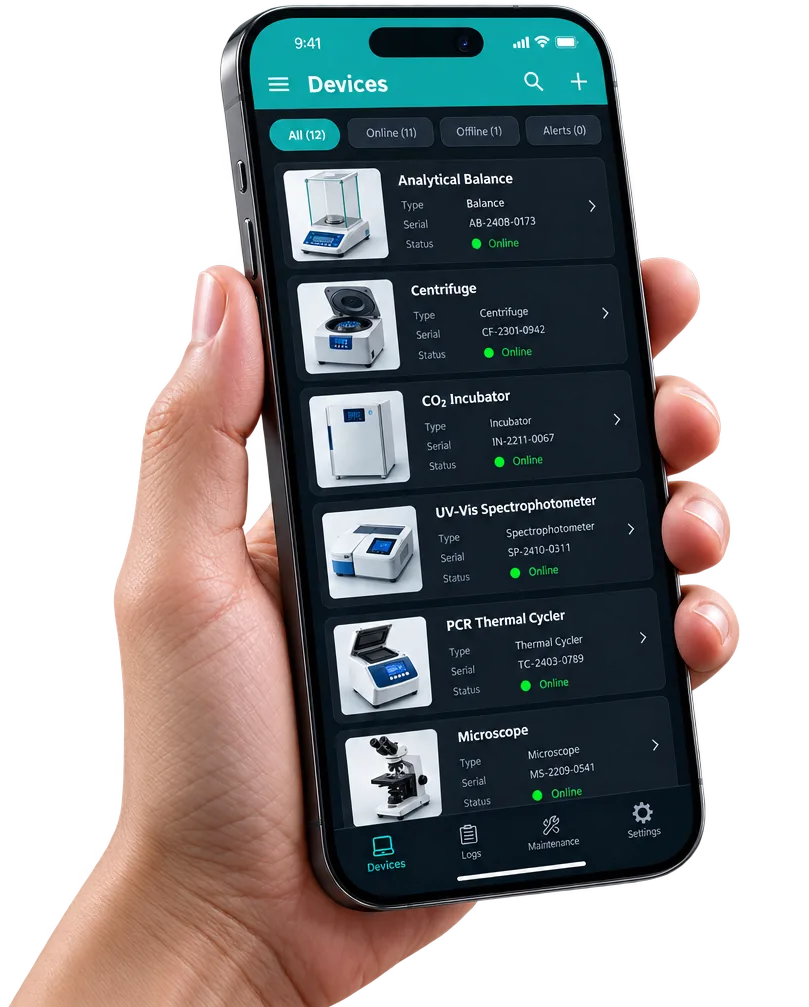
Certos can control multiple devices at the same time via CertosCloud.
Certos Cloud comes with a standard communication protocol based on HTTP/2, including Swagger UI documentation, so connecting the laboratory device to a LIMS or other third-party software is easy. New protocols such as AniML and SiLA2 are also supported, and any new communication standard arriving on the market will be supported via a software update.
End-user value
Quality control employees are delighted by full system and data restoration after device failure, leveraging Certos Cloud real-time backups.
Laboratory staff can remotely configure devices via Certos Cloud, with no need to travel and spend countless hours in the lab.
IT admins have all connected device data easily accessible via REST API, leading to rapid system integration and maintenance.
Quality assurance staff are in control, using process mining to its full potential to compare the working process to the SOP.
Feature set
Book a free consultation
Let’s talk about the opportunities for collaboration. The first consultation is free — bring your specification, your existing controller, or just an idea.